
ElevateActual Commerce Accelerator
Live Storefronts for All Revenue Streams in Three Months
Connected to the learner record from the first purchase, and built on standard objects so it installs cleanly into your org.
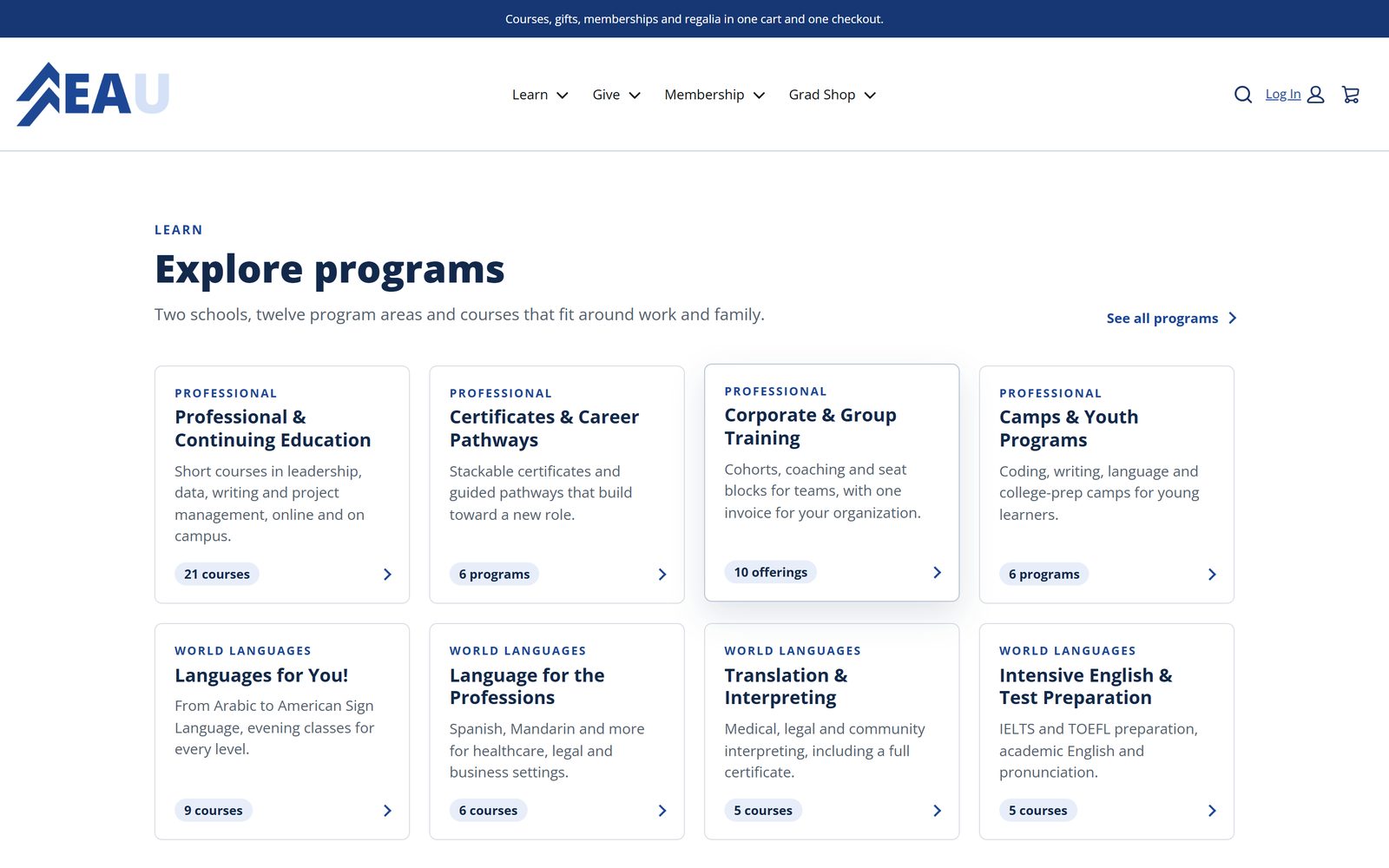
What's included
Everything You Need to Start Selling
Branded storefront
A Commerce on Core storefront (Salesforce Commerce on the Salesforce Platform, in the same org as Education Cloud) on your own domain, with search, filters, bundles, promotions, and guest checkout.
Enrollment built at checkout
A purchase creates the learner's term registration and section enrollment in Education Cloud. Nobody re-keys a roster.
Product management
Courses, sections, terms, and modalities without duplicate products, added one at a time or published in bulk.
Payments
Salesforce Payments, or a hosted checkout with the campus processor you already have, such as TouchNet or Transact CashNet.
Standard objects first
Everything lands in standard Salesforce records, so it installs into your org and your administrators can run it.
Reporting
Orders, enrollments, gifts, and memberships in standard Salesforce reports and dashboards from day one.
What one purchase creates
Records, Not Spreadsheets
The orderPrice, promotion, payment, and tax where it applies
The personA learner or donor record, created or matched by email
The enrollment or giftA term registration and section enrollment, or a gift against the right fund
The confirmationReceipt and confirmation sent from Salesforce when the order completes
Who sells through it
One Storefront, Many Kinds of Sales
The accelerator began with noncredit courses. The same storefront, cart, and back office now sell what the rest of the institution sells.
Continuing education
Courses, certificates, bundles, badges, camps, and conferences.
How it worksEmployers and workforce
Seats bought by an employer, trainees named later.
How it worksGiving
Funds, recurring gifts, pledges, tributes, a donor portal, and Giving Day.
How it worksAlumni and memberships
Levels, benefits, a member card, and automatic renewal.
How it worksRegalia and graduation
A regalia finder, packages, and pickup details.
How it worksFee portals
One cart across every fee a campus charges.
How it worksEvents, rentals, and more
Registrations, sponsorships, rentals, licenses, lodging, and deposits.
How it worksThe back office
One console, bulk publishing, order status, and the subledger.
How it worksNoncredit and continuing education
Courses, Certificates, and Camps With Enrollment Built In
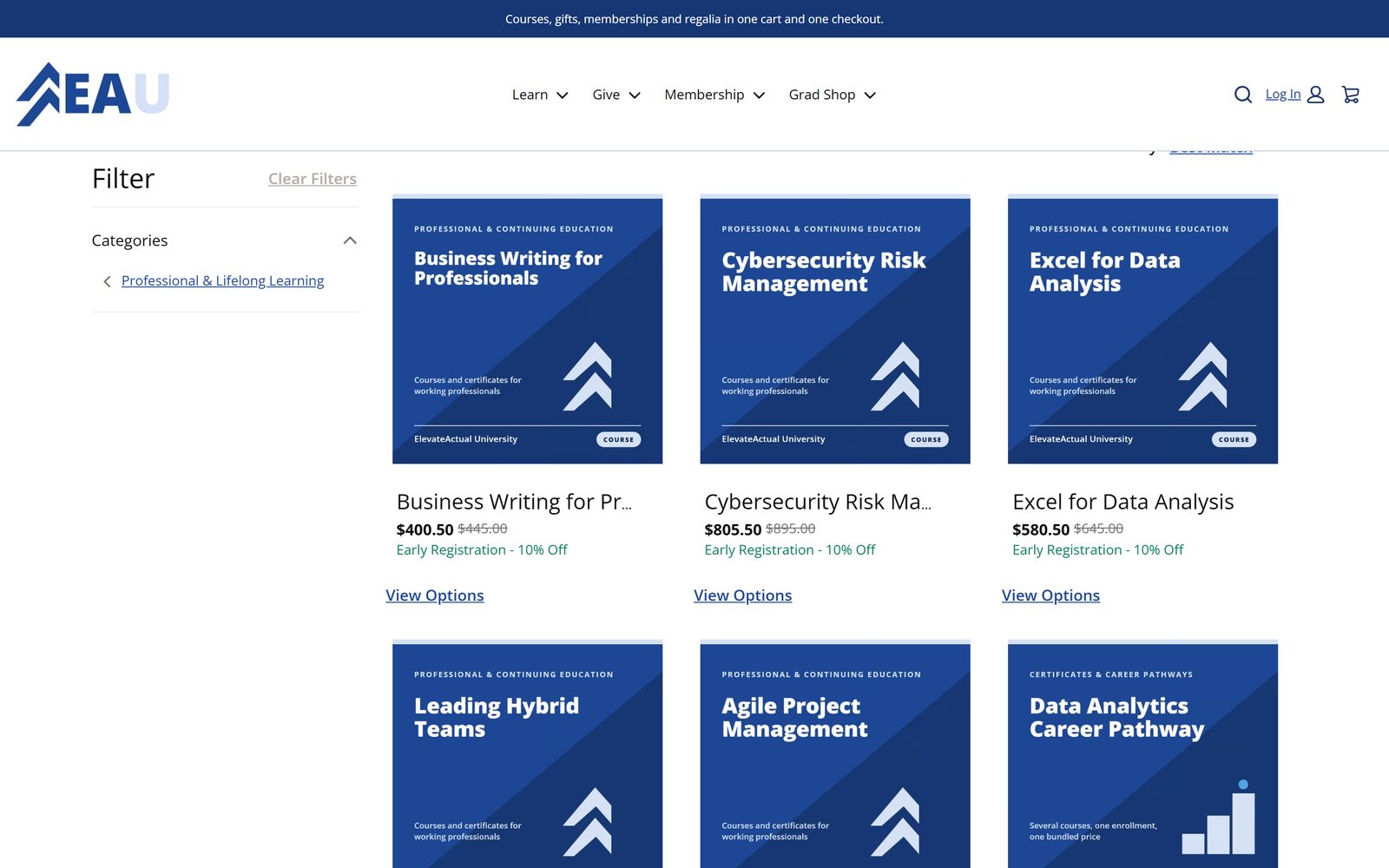
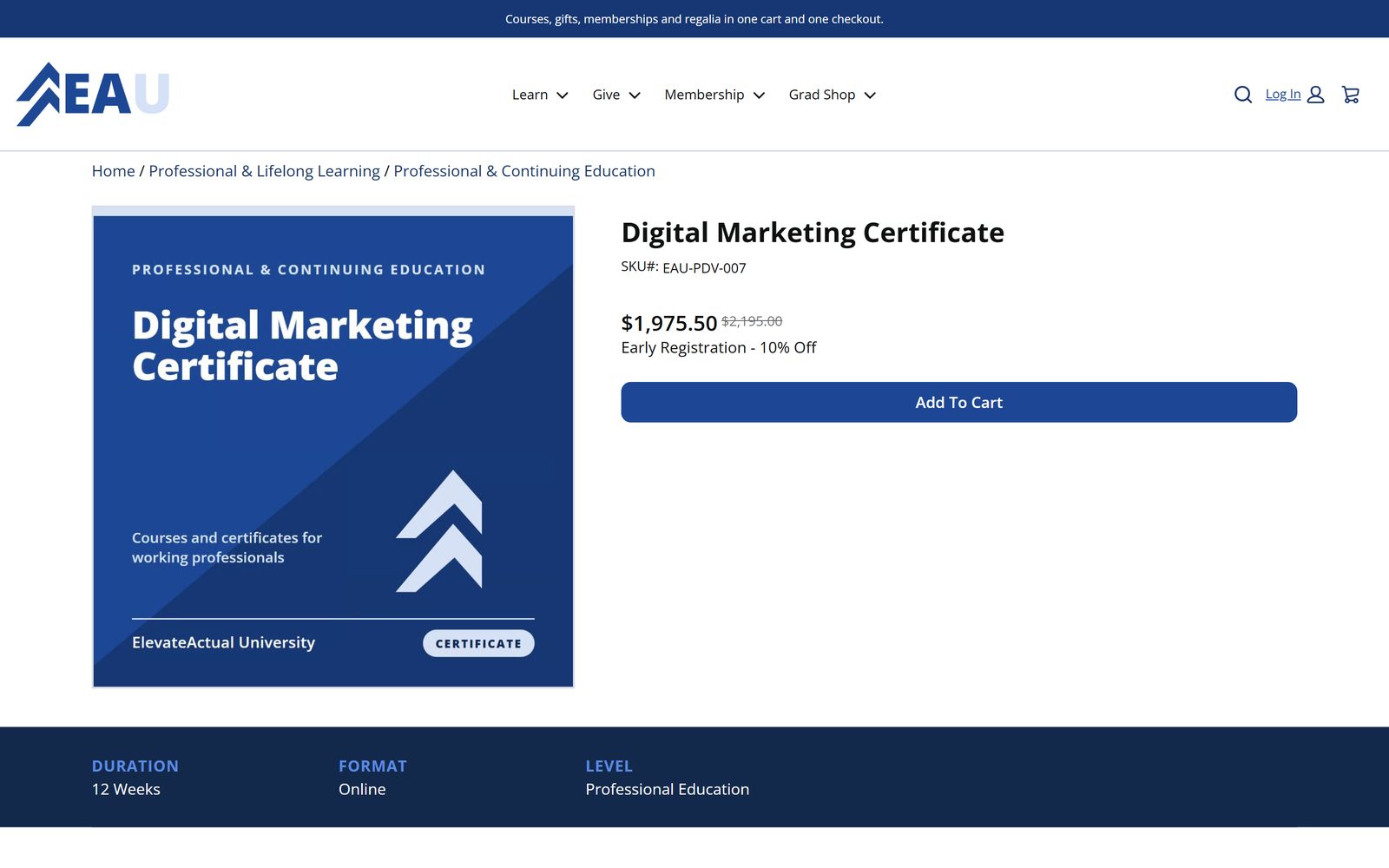
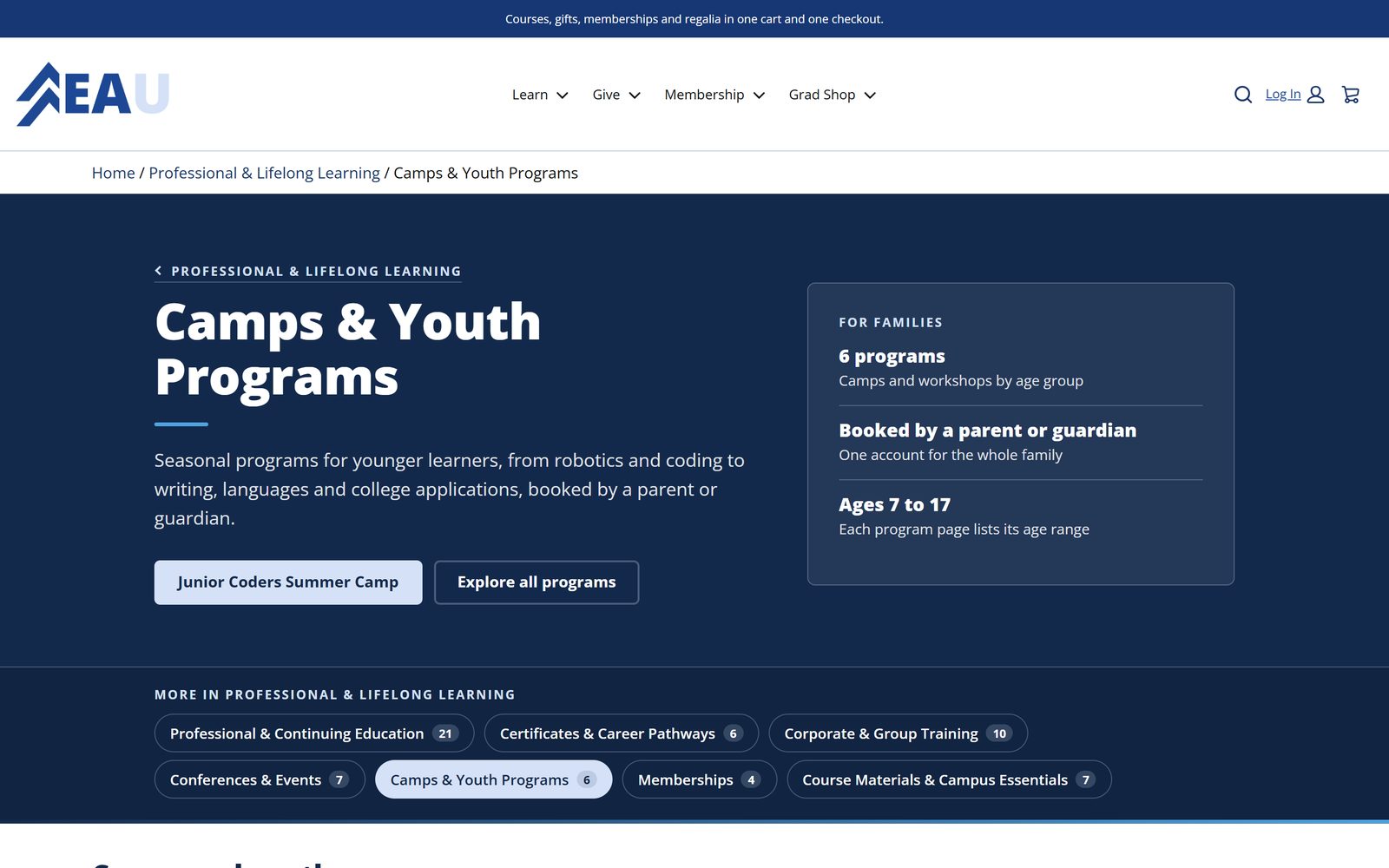
A continuing education unit sells more than courses. The storefront lists courses, certificates, bundles, badges, workshops, conferences, youth and summer programs, and corporate training in one catalog, on the institution's own domain, in its own brand. Each course page carries the facts a learner compares before buying: duration, format, level, dates, and price.
A course that runs in several terms or modalities is sold as separate products or chosen in the cart, without duplicating the course. A learner who buys a course without picking a section joins the next open one.
Checkout creates the learner's term registration and section enrollment in Education Cloud, and staff see every enrollment tied to the order line that paid for it. Nobody re-keys a roster.
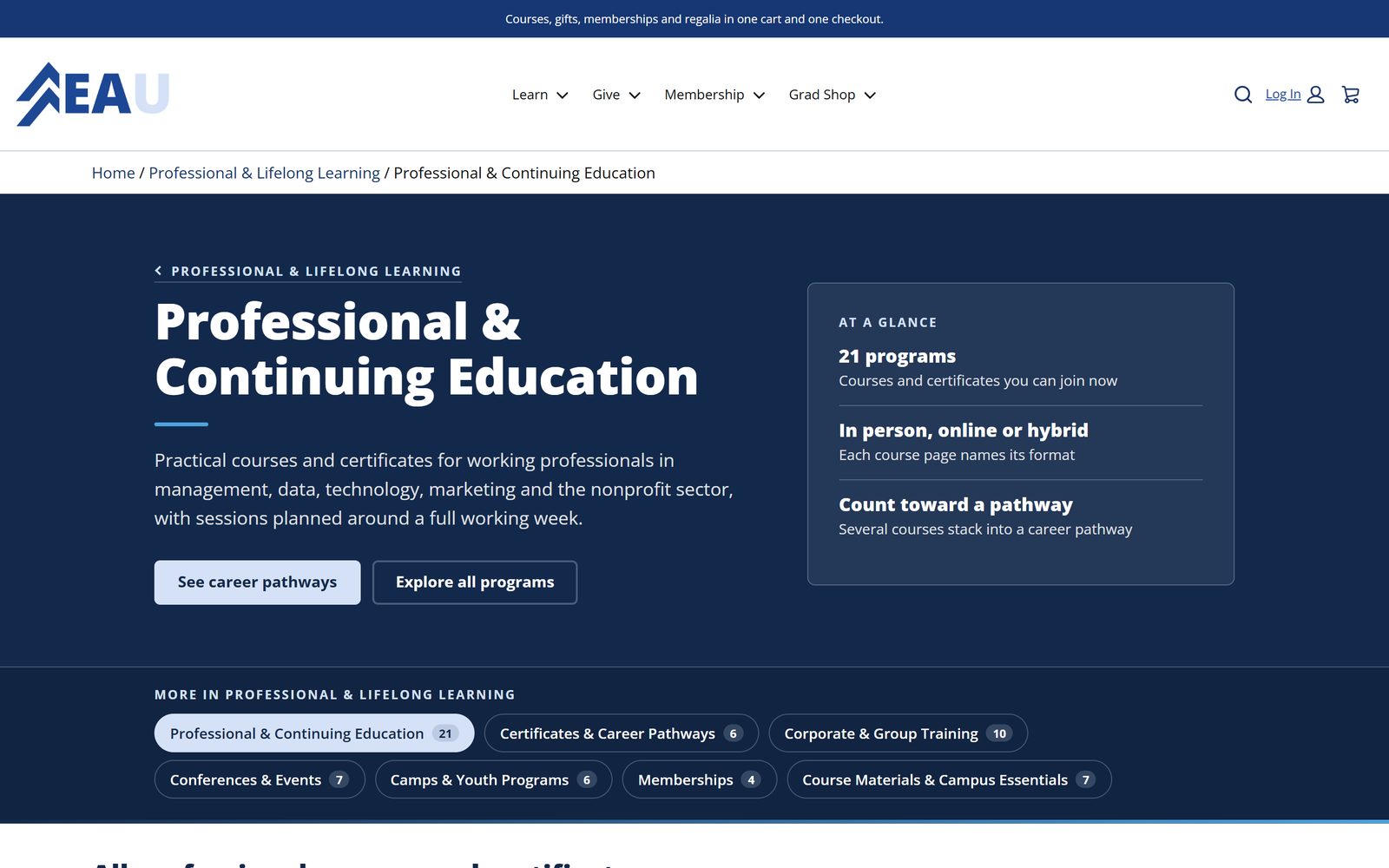
Employers and workforce training
Sell Seats to an Employer, Enroll the People Who Fill Them
Workforce training is sold to a company, not to one learner.
Buy seats
The employer picks the course and the number of seats, then checks out.
Name the trainees
At checkout, or later from the Team Training page as the roster firms up.
Each person is enrolled
Every named trainee is registered and enrolled on the employer's roster, tied to the paying order.
The employer, its coordinator, its trainees, its orders, and its enrollments stay together under one corporate account.
Advancement and online giving
Every Way a Donor Gives, on One Storefront
Each fund is presented with suggested amounts and an any-amount option. Donors give once, monthly, or annually. A pledge carries its installment schedule, and pledge payments post against it. A tribute gift in honor or in memory of someone sends a notice to the honoree's family.
Receipts are branded and automatic, with goods-or-services wording when the donor received a benefit. A donor portal shows giving history, year-end statements, and receipt downloads. A guest gift is matched to the right alumni record by email, and a new donor record is created when there is none.
The Giving Day kit adds a countdown, live totals, and a donor wall, and lets a donor give from any page without leaving it. It is built to take a burst of hundreds of gifts a minute. Our advancement page shows how a gift reaches the donor record.
- Funds with suggested amounts and any amount
- One-time, monthly, and annual gifts
- Pledges with installment schedules and pledge payments
- Tribute gifts with a notice to the family
- Donor portal with history, statements, and receipts
- Giving Day: countdown, live totals, donor wall, give from any page
Alumni and member programs
Memberships That Renew Themselves
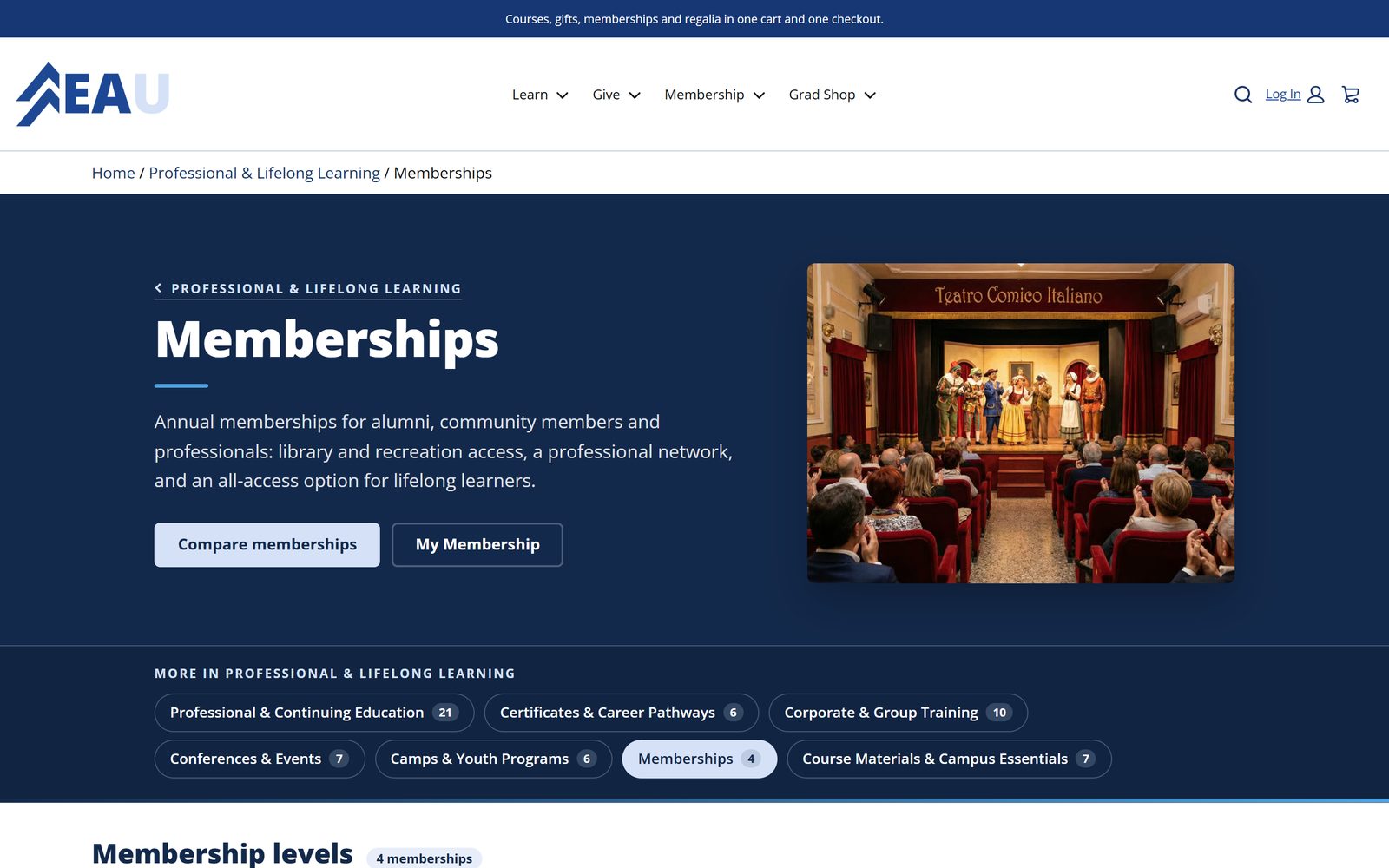
Membership levels are compared side by side with their benefits. After purchase the member gets a member card and a member hub, and the member role is recorded on the constituent, so advancement sees members, donors, and alumni as one person.
Renewal is handled for the member: automatic renewal or an installment plan, reminders at 60, 30, and 7 days before the term ends, lapse handling when a member does not renew, and a membership receipt for every payment.
Regalia and the graduation shop
A Regalia Finder, Packages, and Pickup Details
Graduates find the right regalia by degree and school colors, choose a package, and follow a checklist to the pickup location and hours. Sales tax applies only to taxable goods and never to gifts, even in the same cart.
Campus and school fee portals
One Cart for Every Fee a Family Pays
A district or campus collects many kinds of fees from the same families. The fee portal puts course fees, exam fees, athletics, field trips, meal accounts, childcare, permits, yearbooks, and spirit wear in one cart, with one checkout and one receipt.
Everything else an institution sells
If a Unit Takes Payment for It, the Storefront Can Sell It
A new product line is a catalog decision, not a new system.
Event registration and sponsorships
Conference and alumni event registrations, event tickets, and the sponsorship levels that fund them.
Space rental
Rooms and venues rented and paid for online.
Course materials and exam vouchers
Materials sold with or without the course, and vouchers for the exam that ends it.
Software, data licenses, and publications
Licenses, publications, and subscriptions in the same checkout.
Lodging and gear for a mountain campus
Overnight stays and equipment in the same cart as the program.
Tuition deposits
An admitted student pays the deposit online, recorded on the same person admissions is working with.
The back office
One Console for Every Storefront, Product, and Order
Staff work from one console that switches between storefronts, products, and orders, so a unit that runs a course store and a giving store does not learn two tools. Courses are added one at a time with the Manage Product screen, or created in bulk from course sections and published together, as the walkthroughs below show.
Every order carries the status of its post-purchase processing. When something needs attention, staff re-run it from the order with one click.
Accounting Subledger posts gifts and order revenue to the institution's general ledger codes. Because everything lands in standard Salesforce records, standard reports and dashboards work on day one, and the administrators you already have can maintain them.
One staff console
Bulk publishing
Order status and re-run
Accounting Subledger
Coverage
Who Buys, What They Buy, and What the Purchase Creates
Every row runs on the same storefront, cart, and records.
| Program | Who buys | What they buy | What the purchase creates |
|---|---|---|---|
| Continuing education | A learner | Courses, certificates, bundles, badges, workshops, conferences, and camps | A term registration and section enrollment in Education Cloud, tied to the order line |
| Workforce training | An employer | Seats in a course, trainees named at checkout or later | An enrollment for each named trainee on the employer's roster |
| Giving | A donor, guest or signed in | One-time, monthly, or annual gifts, pledges, and tribute gifts | A gift on the matched or new donor record, a receipt, and a portal entry |
| Memberships | An alumnus or member | A membership level, renewing automatically or by installments | A membership with its renewal date and the member role on the constituent |
| Graduation shop | A graduate | Regalia packages found by degree and school colors | An order with sales tax on taxable goods only, plus pickup details |
| Fee portal | A family or student | Course, exam, athletics, field trip, meal, childcare, permit, yearbook, and spirit wear fees | One order and one receipt for every fee in the cart |
| Events and rentals | An attendee, sponsor, or renter | Registrations, sponsorships, tickets, space, lodging, gear, vouchers, and licenses | An order on the person or organization that paid |
Scale and proof
Built Once, Running in About Thirty Places
How it runs
Four Phases, About Three Months
Discovery
Catalog, pricing, payments, and records.
Build
Storefront, automation, and data.
Test and train
Your staff run real orders.
Go live
One production go-live, then hypercare.
See it in action
Watch the Accelerator Work
Gallery
What Your Learners Will See
Delivered for
UNE Online, Unity Environmental University, and University of Denver Learning Exchange
UNE Online and Unity Environmental University sell programs on storefronts we built. University of Denver's Learning Exchange is deployed to production and launching.
FAQ
Questions We Hear
Does the storefront replace our campus payment processor?
No. Payments run through Salesforce Payments, and where a campus processor such as TouchNet or Transact CashNet is in place the storefront sits beside it. The processor stays, and the storefront, order, and receipt layer move to Salesforce.
Can one cart hold a course, a gift, and a membership?
Yes. A learner can register for a course, add a membership, and make a gift in one checkout. Sales tax applies only to taxable goods, never to gifts, and each line lands where it belongs: the enrollment in Education Cloud, the gift on the donor record, the membership with its renewal date.
What happens when a learner buys a course without choosing a section?
The learner joins the next open section, and the purchase still creates the term registration and section enrollment tied to the paying order line. A unit that prefers to make learners choose can sell sections as their own products or have them chosen in the cart.
Can an employer buy seats before it knows who will attend?
Yes. The employer buys the seats and checks out, then names the trainees from the Team Training page as the roster firms up. Each person named is enrolled on the employer's roster, and the corporate account keeps its people, orders, and enrollments together.
What happens when an order needs attention after payment?
Every order carries the status of its post-purchase processing, so staff can see whether the enrollment, gift, or membership behind it was created. When something needs attention, they re-run the processing from the order with one click. Nothing waits on a ticket to a developer.
Do we need Commerce Cloud B2C or a separate commerce org?
No. The accelerator runs on Commerce on Core, Salesforce Commerce on the Salesforce Platform, in the same org as Education Cloud. Orders, enrollments, gifts, and memberships are standard Salesforce records in one place, which is why standard reports work on day one.
Can we see our own programs on it before we sign?
Yes. Send us a link to your catalog or giving page and we load a sample into a working store. We run about thirty live demonstration storefronts on one Salesforce org, so most use cases on this page already have a working example in the demo gallery.
See the Accelerator on Your Catalog
Send us your catalog link. We load a sample of your programs into a working store.